
Short-form creator
Makes a cover image, edits it for each post, then animates it into a short clip for the same series.
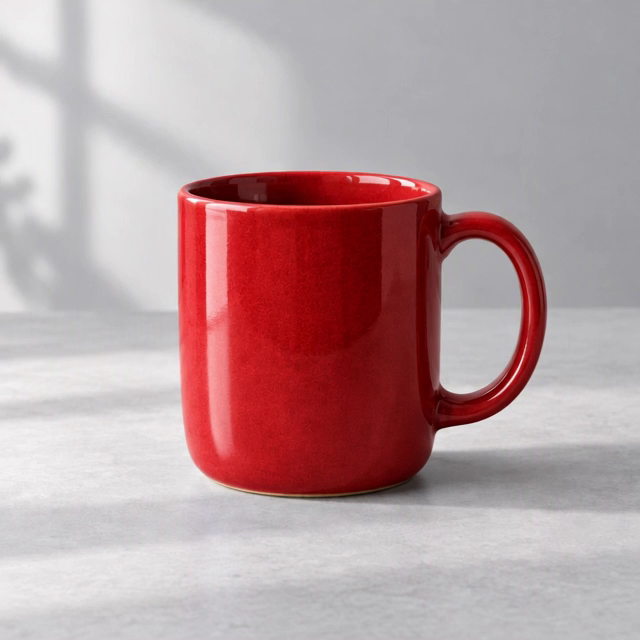
Pick from 16 models. Type what to change and get an edited version of the same picture, then turn it into a video. Every reference, prompt and version is saved, so you never start over.
3 base-tier image generations and 1 base-tier video generation when you sign up.
Explore the canvasExample content
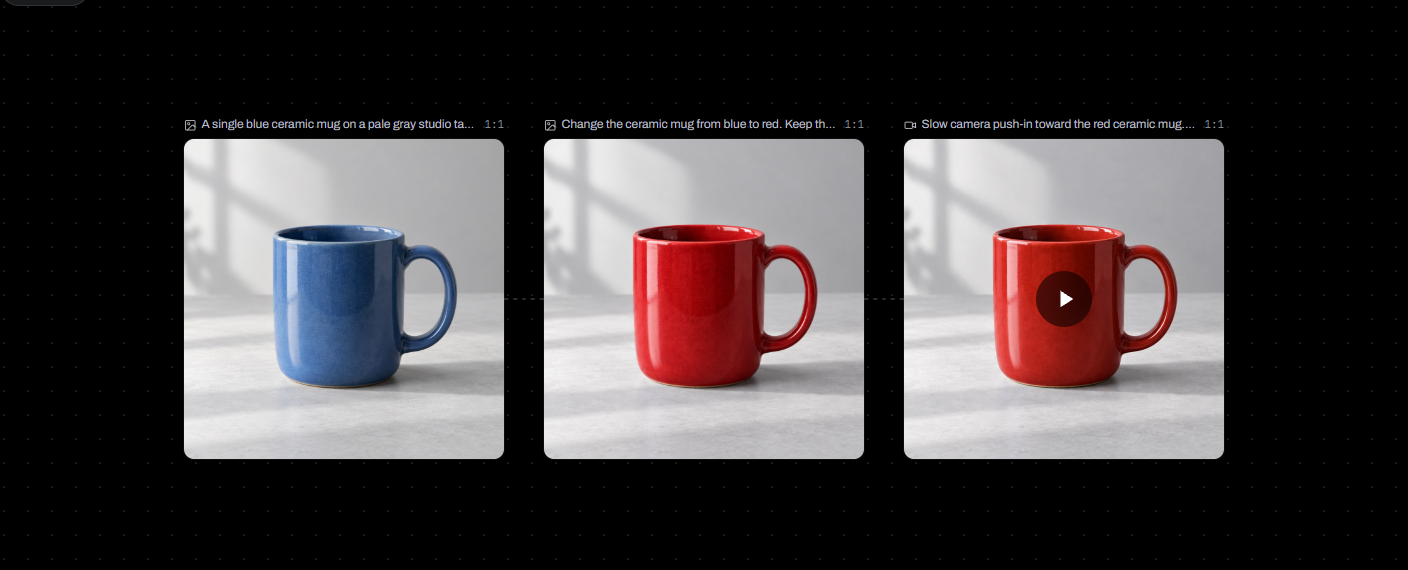
Create AI images and videos in PixShot in three steps: generate from an idea or a reference, edit or animate the result, then save the project and continue later.
Generate images
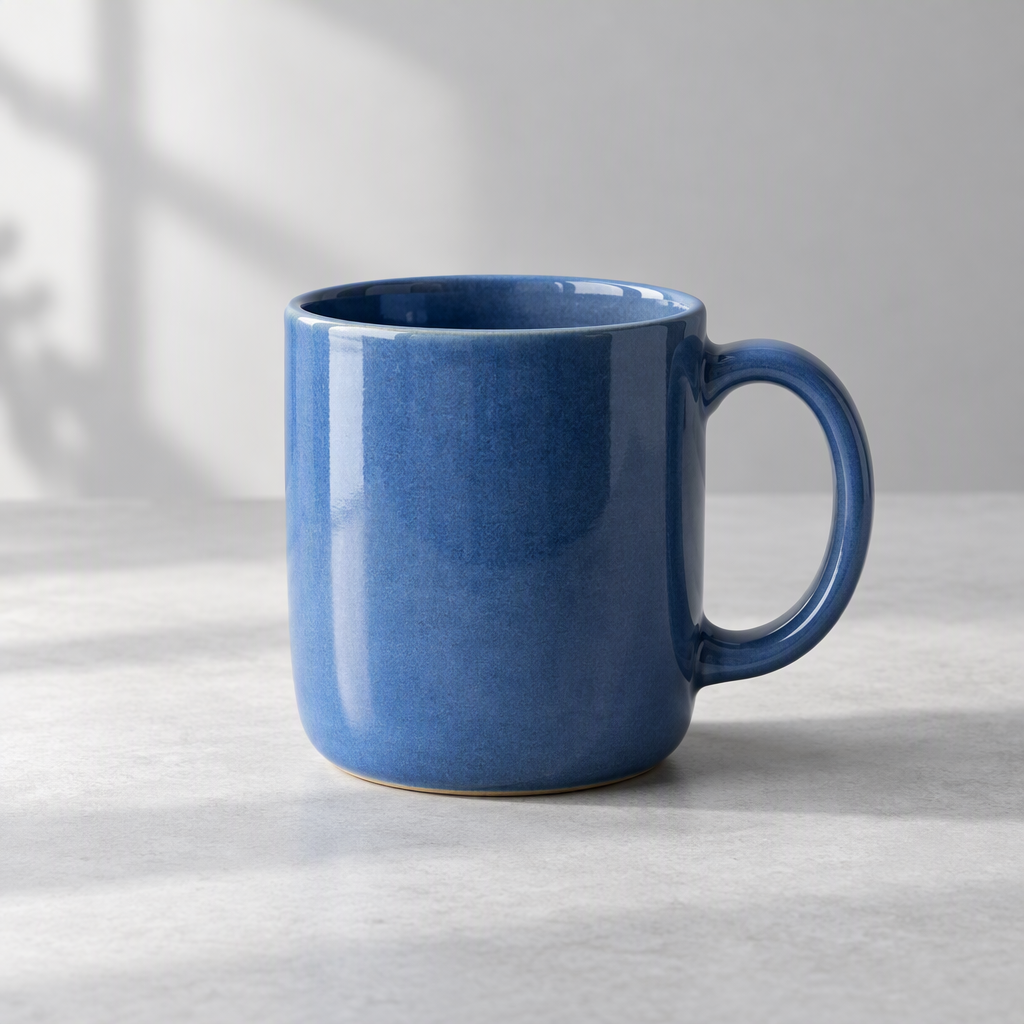
Describe a visual or add a reference image. Your generated images appear on the canvas.
Edit and animate
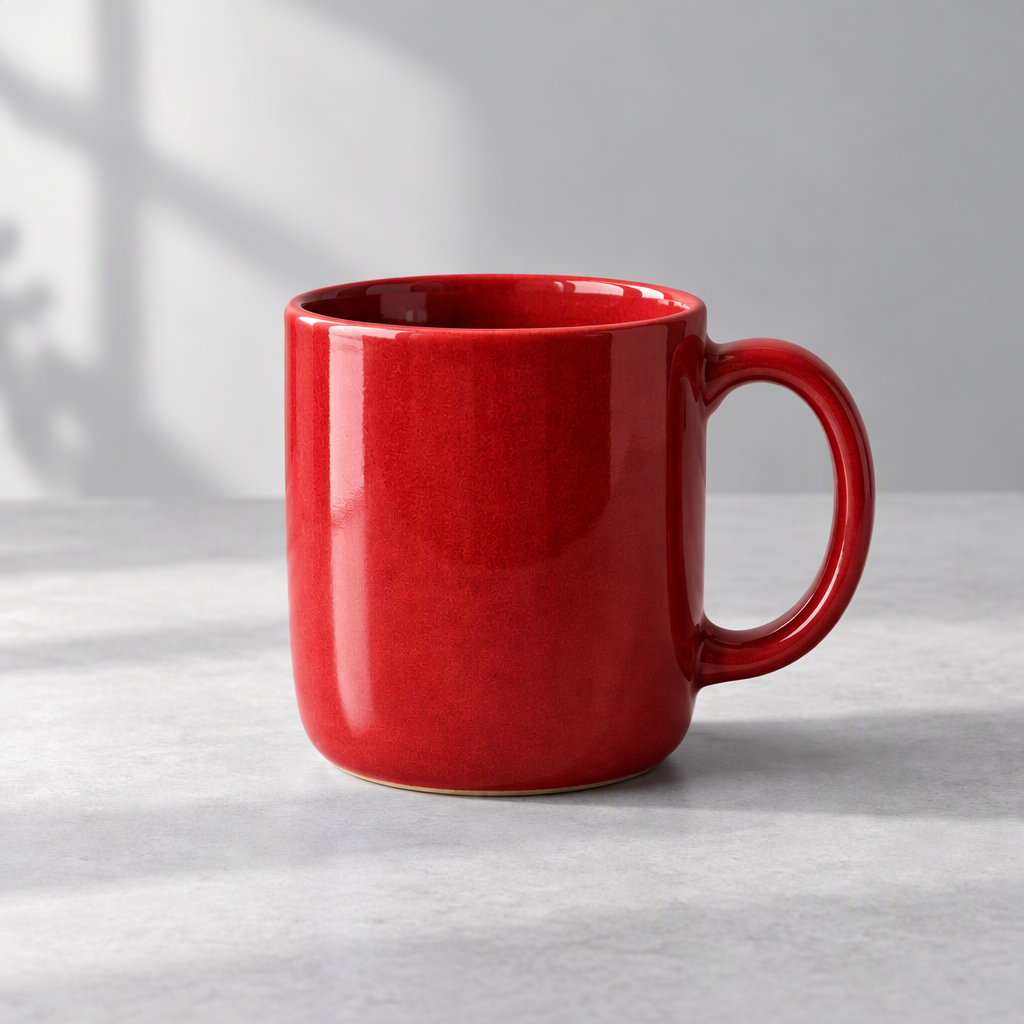
Use the canvas as an AI photo editor: select an image and describe an edit, or add motion instructions to turn it into a video.
Save your work
Keep references, prompts and results together in a project, then come back to continue creating.
Explore image and video examples for your next PixShot project, from product visuals to short clips.
PixShot's AI image and video generator is used by creators who take one idea from a still image to a short clip: social creators, online sellers, marketers and designers.
Makes a cover image, edits it for each post, then animates it into a short clip for the same series.
Generates a product shot, changes the color or backdrop from the same reference, then turns it into a product video.
Tries several directions for a campaign visual, then animates the one the team picks into an ad clip.
Starts from a sketch or reference image, refines it with edits and adds motion tests to the presentation.
PixShot’s canvas model selector shows options for your task: choose image or video, add a reference when needed, then select a model and its settings.
Creators choose PixShot because the image, its edits and its video stay in one project, so each new version builds on the last instead of starting over.
Moving a result from an image tool to an editor to a video tool means downloading, re-uploading and describing it again at every step. On PixShot, the result you pick is already the input for the next one.
Ten tries in, the good one is usually buried in a downloads folder. Your references, prompts and results stay in the project, so the version you liked is still there next week.
Describing a picture again to a video tool rarely gets you the same picture. Animate the image you already approved, and the clip starts from that frame.
Every image, edit and video draws on one credit balance, and each generation shows its quote first, so the spend never surprises you.
PixShot, Krea Nodes and FLORA all put AI image and video creation on one canvas; they differ in how you build each step, who they are built for and how you pay. Details as of November 2026.
| Feature | PixShot | Krea | FLORA |
|---|---|---|---|
| Built for | Creators taking one idea from image to video | Pro users who want every setting (Krea Nodes) | Creative teams and agencies |
| How you build each step | Select a result, then describe the next edit or motion | Wire nodes, or ask Krea Agent to pick the models | Wire nodes, with the FAUNA AI assistant |
| How you pay | Monthly plans per account, plus credit packs without a subscription | Paid plans from $9 a month; Business includes up to 50 seats | Per seat, from $18 per seat a month |
| What a generation uses | Credits, with a quote before each generation | Compute units from your plan | A shared dollar budget that grows with your seats |
Creators on Reddit describe the same problems with AI image and video generators: lost references, scattered versions and starting over. These are public posts quoted as pain points, not PixShot reviews.
You generate one image at a time, lose references in the thread, and it's hard to compare directions side by side.
Generating stuff is getting way faster, but keeping track of everything gets messy really quickly.
You might create ten versions of one idea and then forget which prompt made the best one. That wastes time.
Once you are using separate tools for writing, images and voiceovers, the monthly subscriptions start stacking up.
The hardest part is not generating an impressive image or clip. The hard part is building a production in which every new generation remembers the decisions the film has already made.
If the action is perfect but the lighting is wrong, you don't have to start over and roll the dice on a new generation.
Public Reddit posts, quoted as pain points. Not testimonials and not paid.
Use one credit balance for images, videos and follow-up edits. Cost depends on the model, resolution and duration. Check the quote before generating.
3 image generations and 1 video generation when you sign up. They never expire.
$19per month, 2,000 credits
$49per month, 6,500 credits
$99per month, 16,500 credits
Need more in a busy month? Top-ups start at 1,000 credits for $12, up to 10,000 at a time, and your plan stays as it is.
PixShot creates AI images and videos in saved canvas projects. Choose a task and model, review the generation quote, and continue with your results.
PixShot is an AI image and video canvas for creators who want to generate, edit and organize visual work in one project. Start from text or a reference image, then continue from your results.
To turn an image into a video in PixShot, select the image on the canvas, choose Animate, describe the motion and review the quote before generating.
PixShot lets you edit an existing image like an AI photo editor: select it on the canvas and describe your changes. The new result stays on the canvas so you can continue creating.
To continue a PixShot project, sign in and open your saved project with its references and generated results. Projects belong to your account.
PixShot charges credits at the quoted cost for each generation after the applicable signup allowance. New accounts receive 3 base-tier image generations and 1 base-tier video generation. Creator is $19 a month for 2,000 credits, Studio is $49 for 6,500, and Pro is $99 for 16,500.
PixShot offers top-up credit packs starting at 1,000 credits for $12. The pricing page shows the currently available options.
PixShot’s canvas model selector shows image and video models for the selected task and reference input. Choose a model, then review the available size and video duration settings.
Missing the one you work with? and we will look at it.
To download a PixShot result, select the generated image or video on the canvas and choose download. Output size and format depend on the model and settings used.
Answered from what PixShot can actually do. Still stuck? Write to [email protected] and a human answers.
Create AI images and videos in PixShot, then keep your references and results together for the next edit.
Video example · Preview